Network access to my shop has been a bit of pain since doing the shop renovation. I tried a simple wifi extender, powerline (LAN over house wiring) and recently the Netgear EX7000 wifi extender. The EX7000 was the best performing of those efforts, but in my shop, about 50 ft from our house, the speed was only about 8 Mbps.
If you're eyes glaze over when reading networking tech, stop reading now

Otherwise, there's a few things to think about if you'd like fast internet/LAN access in your shop.
Going back about 14 yrs, I had run a gas line to the shop and at the same time buried 1" waterline with 2 x CAT5 cables run through it. These have been left completely exposed to weather, coiled up at each end. A quick test of both lines last night (using my LAN analyser) showed surprisingly that they were both just fine. It was time to drill a few holes, including through my basement concrete walls, and sort out proper LAN connections to the shop. My 7 yr old daughter got a quick training session on using a LAN cable tester and was a great help fishing/pulling LAN cable through the basement ceiling, and testing the runs once terminated.
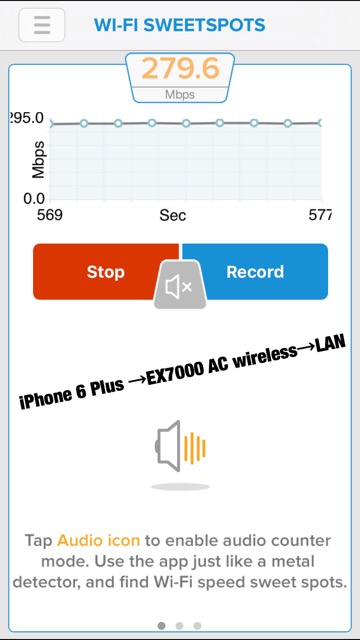
As usual I learned a few things, and sorted out at least one existing LAN wiring problem in my home network which turned up during testing. In terms of the speeds you see here, keep in mind that a CAT5 LAN cable plugged into a Gigabit ethernet switch is good for a maximum of 125MB/s, or 1000 Mbps. Previous to today's testing, I've never seen more than 120 Mbps from a WIFI connection...so finally some significant speed advancements from newer 802.11AC wifi tech. Surprisingly, my iPhone 6 plus has 802.11AC capabilities and showed very impressive performance when connected via WIFI to the Netgear EX7000 extender/access point.
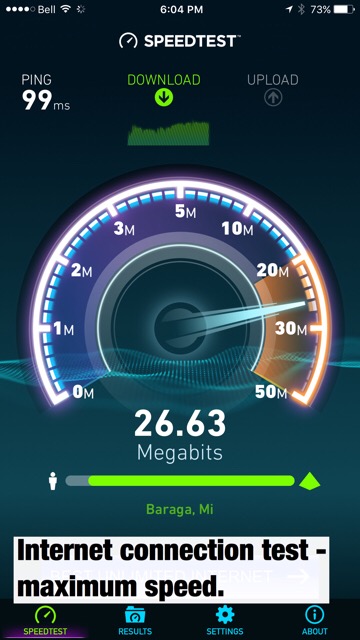
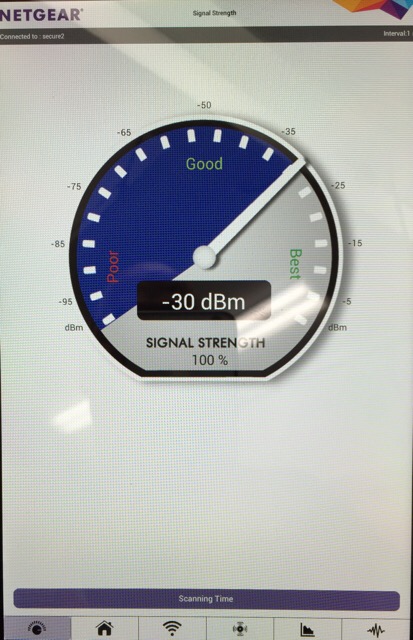
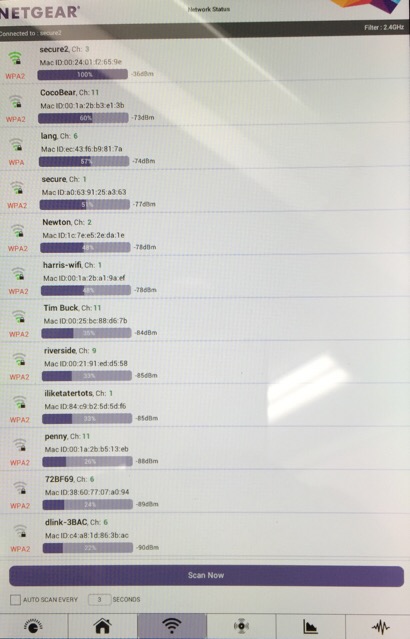
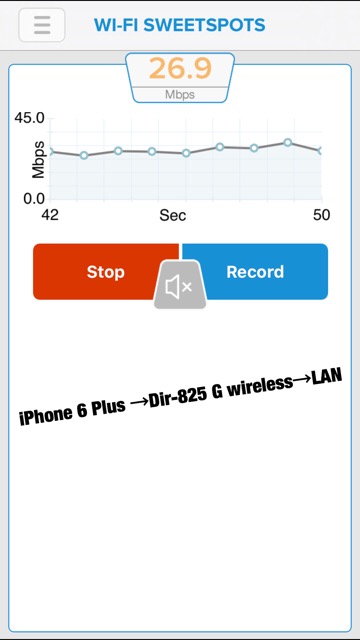
First of all, there are a few iOS and Android apps that are very useful if you're trying to tune up your wifi network. Ookla's "Speedtest" is handy for quick tests of your internet speed. To test how fast your wifi access is to your local network (LAN) "Wifi Sweetspots" is very handy. You can use this app to tune up an existing wifi installation by testing speeds as you re-orient external antennas, and/or reposition your WIFI router or access point. I found a surprising difference can be made in weak spots in a house or shop by getting a helper (my 12 yr old was happy to help today) by just rotating the WIFI access point or router 90 degrees, and reorientation of the external antennas. If you have an Android device, Netgear's Wifi Analytics is free, and puts the iOS apps to shame. It will let you tune up your access point location, adjust channels and examine surrounding Wifi signals to avoid interference. It's excellent.
The pleasant surprise is that 802.11 AC wifi combined with the iphone 6 plus means I can finally play 1080p files from my NAS directly on the phone over WIFI. My kids will be happy.
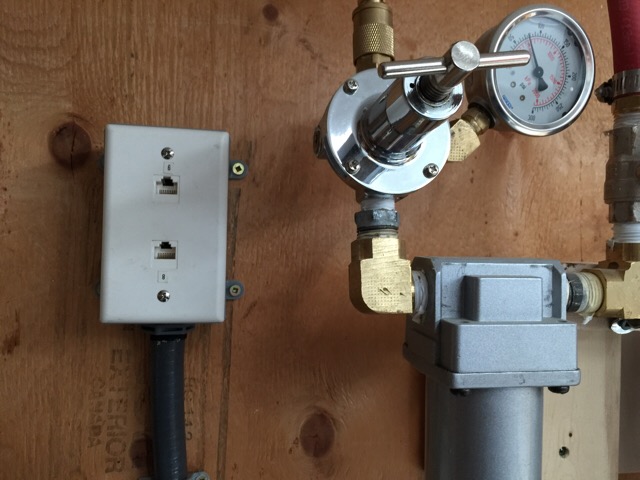
Finally, proper LAN connections in the shop!
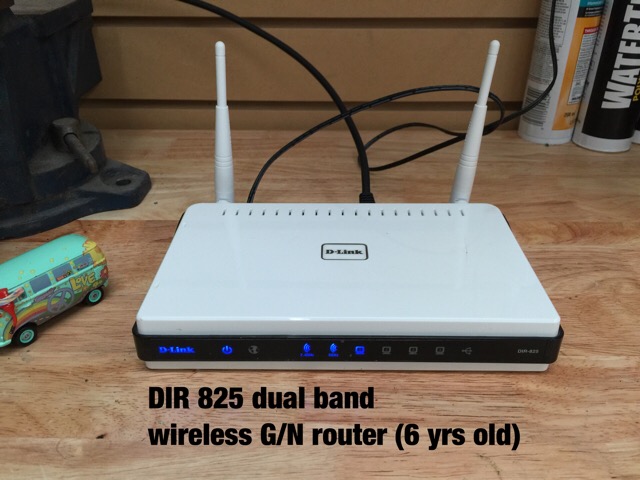
The old Wifi access point.
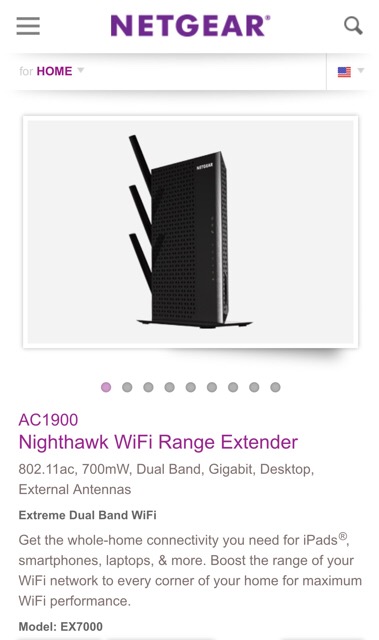
The new EX7000 extender/access point.
Speedtest is good for testing max internet speed. You may want to run this from a wired PC/MAC to set your baseline.
Netgear's Wifi Analytics on Android = awesome!
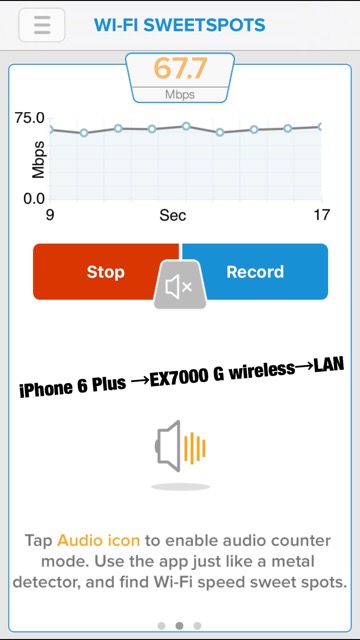
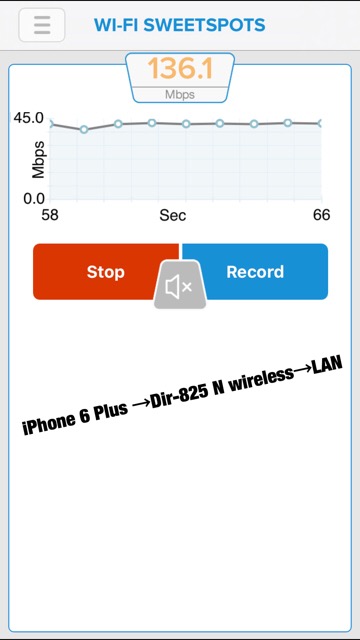
"Wifi Sweetspots" on iOS makes wifi speed testing easy. If you have an older router or access point, you may want to replace it, even if you're just using 802.11G wireless.
The new EX7000 is twice as fast over plain old 802.11G
Wireless N speeds were similar on both access points...much faster than G.
This result shows how much faster again 802.11 AC is. I'll be adding another EX7000 in the shop.
Hope that all makes sense.