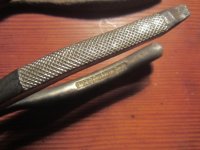
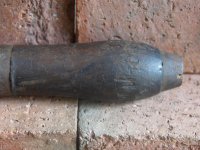
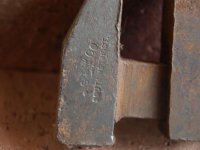
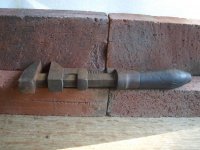
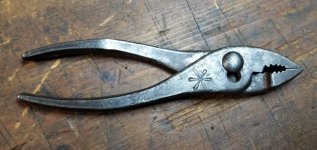
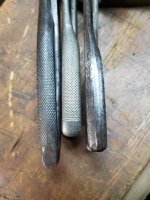
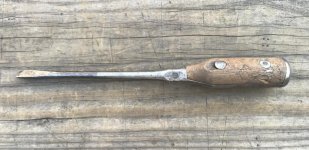
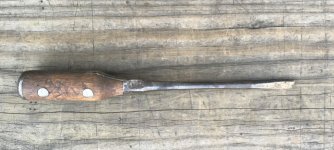
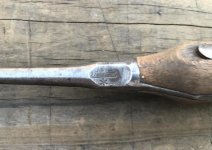
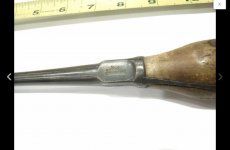
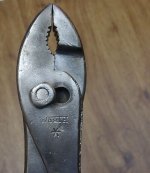
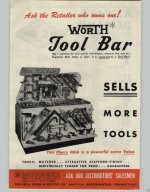
For trademarks, my first stop is the Trademark Status and Document Retrieval system at USPTO. That's where I found all the Pexto TM's I listed above. Registrants (owners of TM's) sometimes cite their other TM registration numbers as part of the proceedings. But you have to have at least one TM number to start with there. When I said I couldn't find anything before 1935 (citing 1914 as first use) for Pexto, that's what I meant. None of their later TM's cite any older TM that might be this clenched fist.
The Haithi trust is good, but inconsistent in terms of what they have in my experience. My go-to for searching for trademarks without a registration number - or unknown patents for that matter, is the Smithsonian Library. They have a PDF record of every annual Report to the Commissioner, it includes patents and trademarks, and it is searchable. If you know the year, you search by the mfgr's name. If you know the year and don't know the mfgr's name, you search by the name of the item. As you might expect, the latter is quite tedious, because you have to drill down into every item and read it to figure out if it matches the item you have in you hand. The former can also be tedious if you don't know the year. As Todd can attest, it has often taken us weeks going through these annual reports year by year to find something, even when divvying up the decades.
I have shared the steps involved in this research technique before with Outlaw and others on the 'Oilers' thread, after identifying the maker of an antique oiler he and I each own, and as I told Outlaw at that time, it really belongs somewhere more generically accessible, like the Sticky; I just haven't done that yet.
Here are the steps...
(1) Google "Annual Report of the Commissioner of Patents for the Year [YYYY]"
(2) Click on the link that results and it will take you to a digital online copy of the report for that year in the Smithsonian Libraries system.
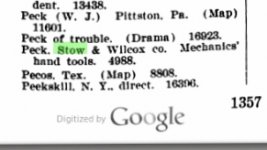
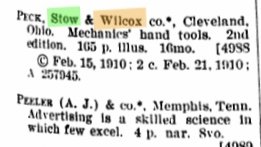
(3) Use the Search function. "Oil can", for example. In this case, "Peck, Stow, and Wilcox."
(4) Wait while it processes, which can take several minutes.
(5) Down below it will post blue teardrop-shaped bookmarks indicating the pages in the report for that year that contain the search term.
(6) Click on the blue bookmarks
(7) The search term will be highlighted on the page in yellow.
EDIT: Information (patents, designs, inventions, labels, and trademarks) is arranged alphabetically, but patents are by assignor name, and trademarks are listed by topic ("e.g., Milk, condensed") and by registrant (company name, if you know it).
EDIT: One more thing. The search function can be a bit stodgy at times. And conversely, there may be a hundred "pipe wrenches" patented in the same year (ask me how I know!), which clutters the blue bookmarks at the bottom. In these cases, you can download the PDF and use the Acrobat search function instead.
I'm going to go search 1910, then 1909 and 1908, based on RTM's tips. I was literally going to start with 1913 and work back, so this is extremely helpful.