i know! i didn't know they existed until i seen 1 on this forum. i couldn't get it and it's brother in my bucket fast enough.
Going into the little green book of potential prize winners... RARE category!
When you're using Google Books to search for digitized historical documents (books, journals, magazines, etc) and you find one that is locked, showing you a Snippets View only, with snippets that contain your search terms, you can request the Google Books team unlock the book, by following these steps...
(1) Copy the URL of the book from your browser. You will need to paste it later.
(2) Underneath the snippet(s), click on the
Where is the rest of this book? link.
(2) That will take you to a
How to Use Google Books page. Scroll down to the
Fix Common Problems section. Click on the
You can't see the full book link.
(3) That will expand into a list of bullets. Click on the last part of the bullet that reads, “If you think the book is available in the public domain in your country,
ask us to review it.”
(4) That will open a
Your Google Books Inquiry page with a form on it. Fill out the form. First name, email address, URL of the book, and page number or range (of the snippets your search terms are showing up in…). For the ‘Categorize your issue’ options section, you can check the
I’d like to see the entire book, and I believe the book is in the public domain or
Other.
I have better results with
Other and filling in the
How can we help you? line with something like “I’d like to see page 89, 219 and 320.”
More times than not, even when I request certain pages, I get the whole book. Note that I get plenty of rejections, too, though. It's hit and miss.
In a week or so, sometimes several weeks, you'll get a very formal email making you feel like an important researcher informing you if it has been unlocked or not. If so, they will provide a link to the unlocked book in the body of the email.



 She would still have one if she could have gotten an adult this time rather than dealing with a kitten.
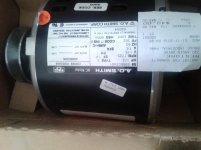


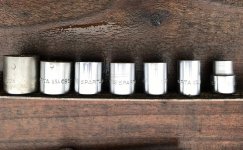

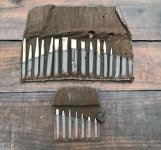


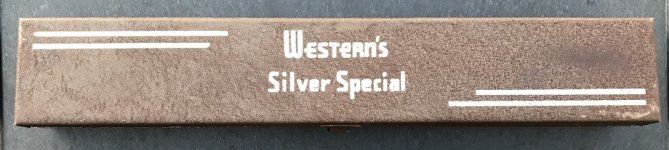



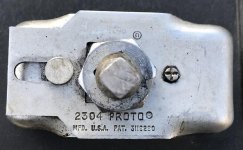
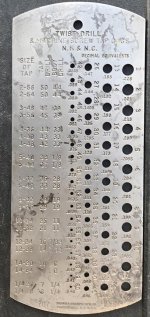
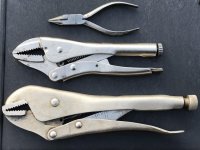
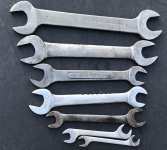
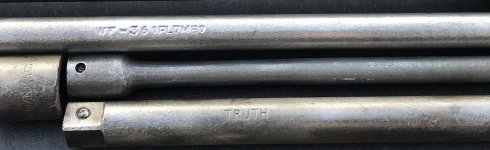
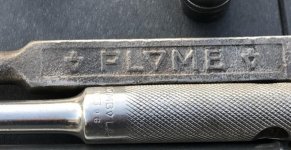

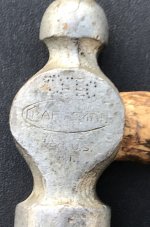
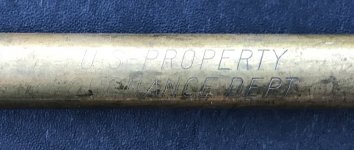
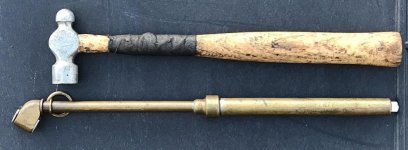


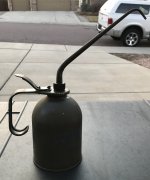
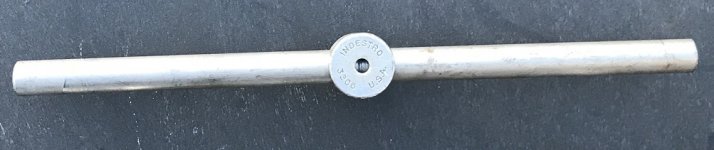
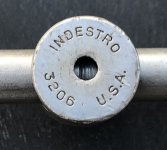
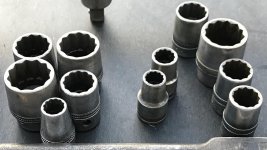
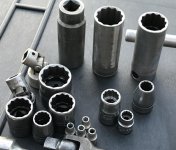




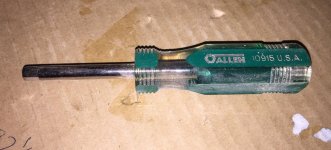
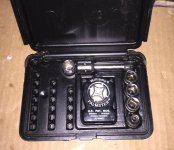


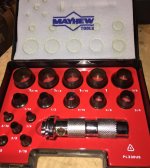
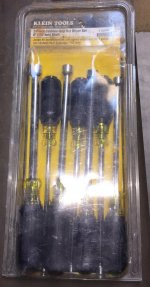
 .
.


 keep your eyes open for the 150 pound 6 inch wide jaw one oh and lift with your legs.