Plumber338
Member
- Joined
- Jan 28, 2022
- Messages
- 6
test

failtest
 |  | |
test | ||
 |
It does that to me too. I open my photos in the windows photo viewer then resize the image to 75% (or less). hit save and bob's your uncle!I clicked the icon at the top of the text box, selected my Pic and I could see it grayed out in the box... I hen it disappeared and I got a message that said, "Opps, we encountered a problem." Is the file too large or something? Or is there an issue since I'm a new member?
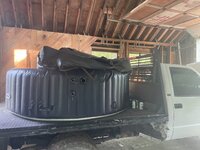
That's one hell of a beautiful shot.
Thanks, I only brightened it a little. Its barely edited.That's one hell of a beautiful shot.
This might just be the ticket for me too ! (although I'm using a Mac)It does that to me too. I open my photos in the windows photo viewer then resize the image to 75% (or less). hit save and bob's your uncle!
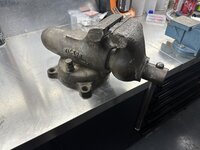
Try to edit the photo and change something minor like the lighting, save a copy and try to attach the copy.I used to be able to attach photos here @GJ. Not being able to may have started with changing to a Pixel 6a.
The pic' that I tried to attach (below) seemed to load and hit 100% with no indication of failure. This time the image was copied
from the Pixel to my Ubuntu OS PC before trying to upload. The browser is Firefox. I have failed trying to upload straight from the
phone. I have also done this using Windoze and had the same failure.
TIA for help.
properties are: size: 3024 × 4032 pixels
type: JPEG image
file size: 7.2 MB

That's just meanTest