The tutorials that Motorhead Extraordinaire posted above are a great place to start.
I'm not really a CAD guy, but having been in IT for quite a while, I've dealt with a number of different CAD systems. SketchUp is a great surface modeler, but a sometimes frustrating CAD program.
I'm all self-taught with SU, but I had to slow down and take the time to watch some of the videos and do some googling before I could really get it to do what I wanted it to do. The best things I learned, that will make it a lot easier to draw are:
Keyboard shortcuts
Section Planes
Hide/Un-hide
Grouping
Components
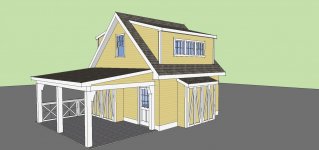
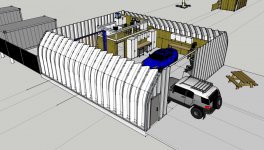
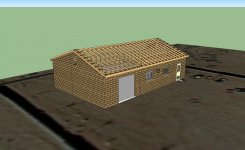
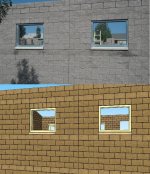
Here's a couple of exports from my shop. First one is no section planes, the others are examples of 'cuts'. Makes it SO much easier to edit the drawing when you can't 'see' something anymore because you covered it with a roof or something similar.
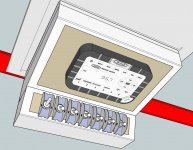
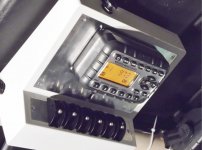
I've spent a TON of time 'building' my shop in SU, and it matches the plans exactly (the concrete and structure, not the interior), but the last pics are examples of something I 'built' in SU and then created in the real life. It's an overhead console for my UTV. I mounted a stereo and light switches in it. I started with the technical drawings for the console, switches, switch guards and the radio, built each item, them stuck it all together.
If you draw a shape, any shape and it 'fills' in when you close the shape, simply select the fill and hit delete.
Once you figure out some of the quirks and how to work around them, you'll start having fun creating stuff... I'll post up some of my stuff in a different post.
NV