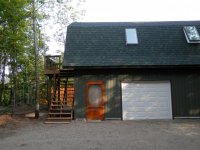
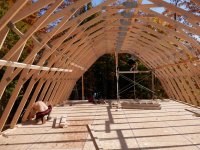
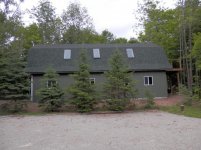
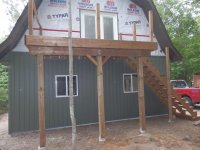
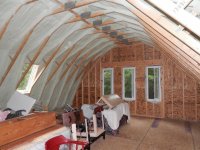
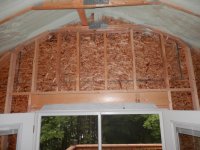
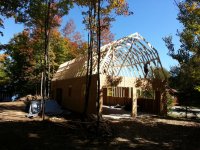
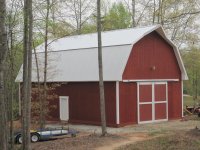
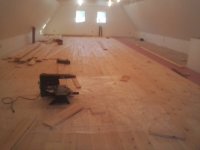
Let's see if I can figure out how to insert a picture in the post-Photobucket era. Our barn is 28 X 48, 12' ceiling height, with a full 8' headroom in the loft. Check out barnplans.com for inspiration.
OK- Couldn't figure out how to upload a picture.
If you have the picture stored on your computer, you can upload it by going down to the "Additional Options" window at the bottom of where you reply to posts, and hit the "Manage Attachments" tab.
This will open up a window that will have a bunch of lines with a "Browse" tab to the right of each line. Click any one of the browse tabs, and another window will open up that will show your computers desktop.
You can then browse to where your picture is, and click on the picture, and then at the bottom right of that window, click the "Open" tab.
This will delete that window, and you will come back to the "Manage Attachments" window. There you will see the link to your picture in the line to the left of the "Browse" tab you clicked from before.
Then you click the "Upload" tab at the bottom right of where the "Browse" tabs are.
Once the upload is done, it will say that below all the "Browse" lines. Then you can delete the "Manage Attachments" window and you will see the link to your pictures in the "Additional Options" window.
Then you click the "Submit reply" tab and your picture will appear as a thumbnail underneath your reply!
Then all we have to do is click your thumbnail and we will see the full size picture!
I hope this helps. I don't use any of the online photo sharing sites, so the above way is how I upload my own pictures.
Jim


 Overall pretty good though.