I did that and nothing changed. It didn't say that the items were not qualified (other places that I order from say so) so I checked out thinking that the total would be recalculated to a lower amount automatically. Lesson learned.
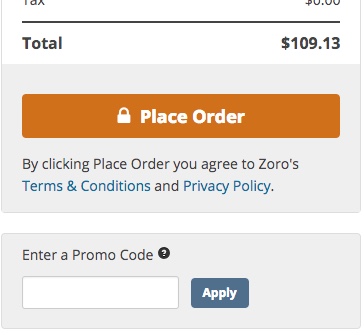
On the checkout page, there should be a box marked "Enter a Promo Code" underneath the orange "Place Order" button on the right side. Before placing your order, enter the code and press the "Apply" button to its right. (I'm sure you did this, but just in case..)
After hitting apply, the price should be reduced if the code worked. If it didn't an error message will appear below the promo code box. If successful, the original price will be strikethrough & red, with the new price over it. Additionally, you'll see the words "Promo Applied" and the amount it was reduced at the bottom of the order summary (see image).
Unfortunately, most of the codes you'll get from Zoro's website, like 'READY42019' only work on specific categories. I recommend quickly perusing the last few pages of the forum for a trade code like
WINTER183. These are good for 20% off most anything. However, no codes will discount the 36 brands marked as restricted. To see these, click on "Promo Codes" on the top right bar of Zoro's website, then scroll down. Additionally, most codes require a minimum of $100, though keep an eye out for exceptions.