old as it may be, the answer to your question is in there. why assume i'd link an irrelevant article? sigh
the reason stems from:
regardless of the orientation of your camera when you took the image (and therefore the intended orientation of said image), many cameras store the image data as-shot in the native sensor orientation. that means that the actual image (pixel) data is often stored sideways or upside-down relative to what you wanted.
correct display orientation is achieved by also storing "metadata" (extra data, or data about data) along with your picture in a file header, a part of the file that does not strictly contain actual image data. other examples of metadata could include GPS coordinates of where it was shot, the type of camera you used, the date, your name, etc.
for example, the image data is stored sideways, and then there is a metadata instruction that says that the picture should be viewed with a rotation applied to fix it.
the problem is that browsers generally have not respected said rotation instructions, so they show up sideways. or worse still, if you upload them to a site like GJ, maybe they just delete those metadata instructions because they're not strictly part of the image itself.
this was explained in what i linked to, but maybe my explanation is more clear.
also, the problem is not specifically a firefox problem.
one solution is to use an image editor to correctly rotate the actual image data before uploading. that way a metadata rotation instruction isn't needed.


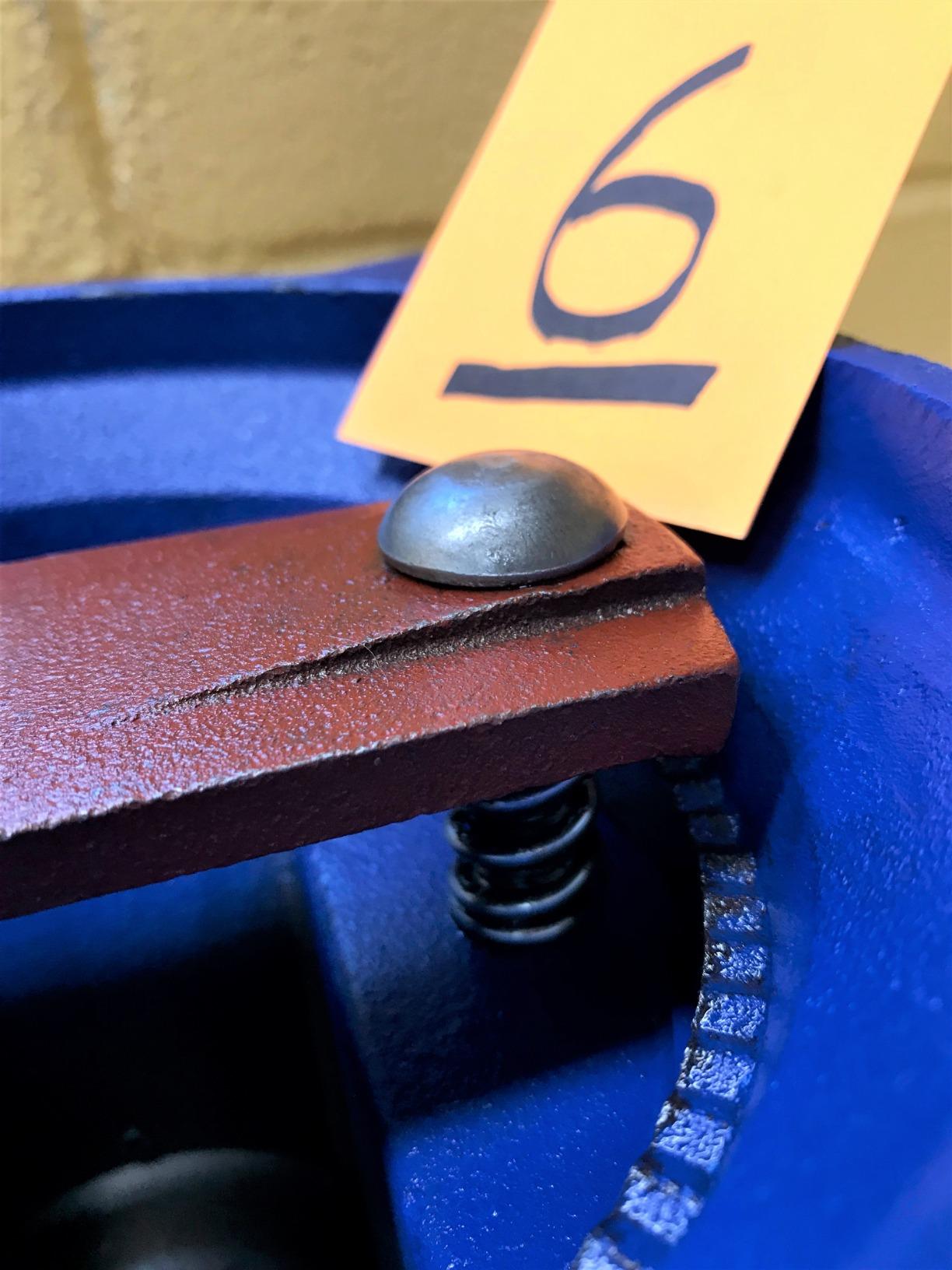

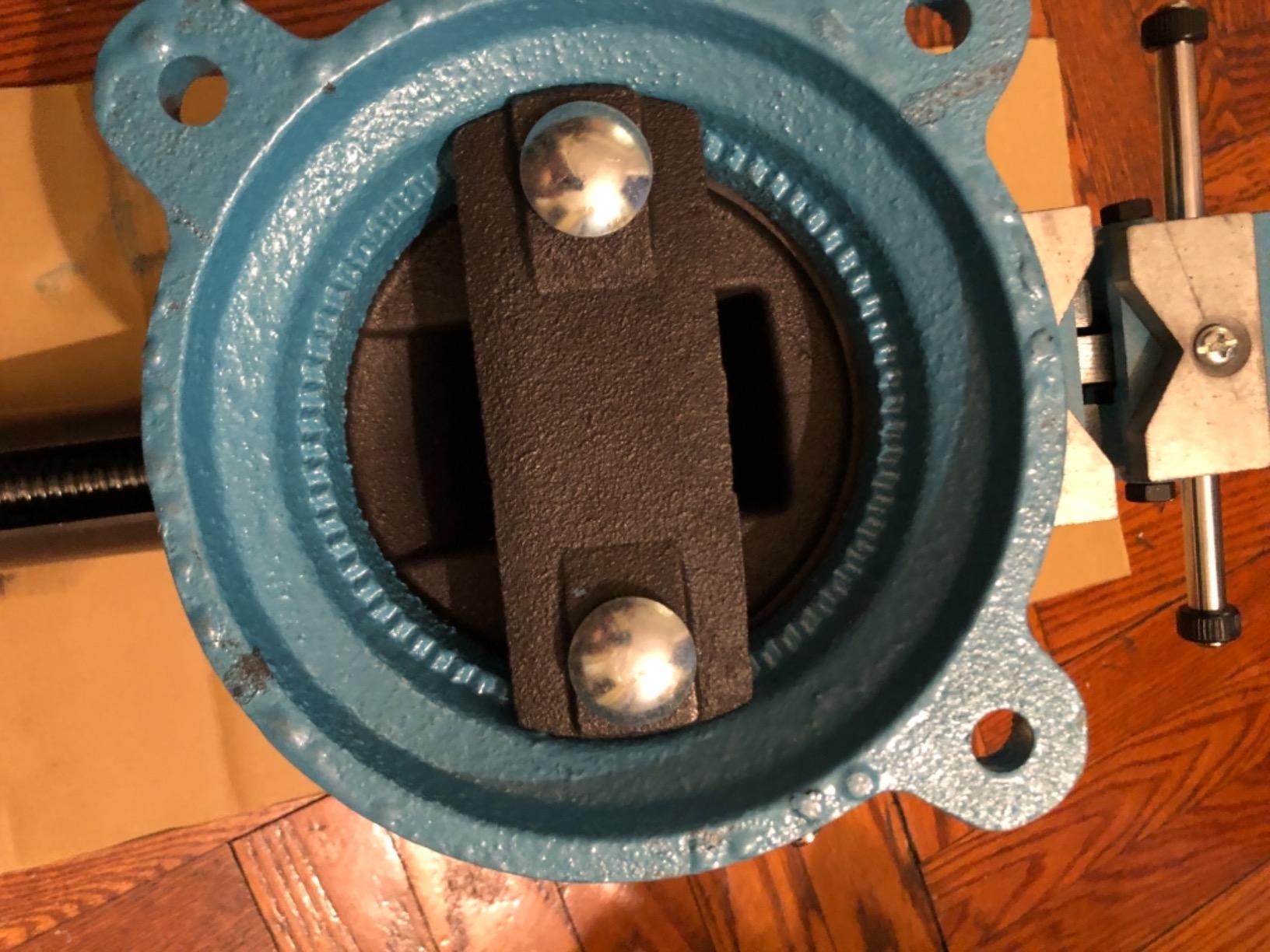






 . But I would go with the red one. I have seen a YouTube video or the blue one being broken fairly easily.