Re: ~ Plomb tool picture thread - show your stuff!
Hey Carla, nice stuff.
The way you add a photo is:
1. right click to copy the URL of the link where the photo is located
2. click on the "insert photo" icon
3. paste the URL into the "insert photo" popup box (make sure you eliminate the annoying "http://" which is preset into the popup box. If you don't, it won't work)
4. click OK and you're ready to go.


Hey Carla, nice stuff.
The way you add a photo is:
1. right click to copy the URL of the link where the photo is located
2. click on the "insert photo" icon
3. paste the URL into the "insert photo" popup box (make sure you eliminate the annoying "http://" which is preset into the popup box. If you don't, it won't work)
4. click OK and you're ready to go.


 Thanks steve
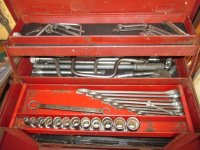
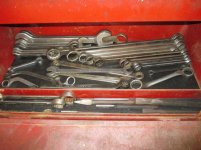
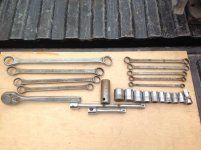
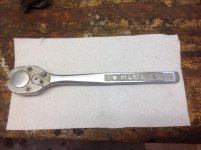
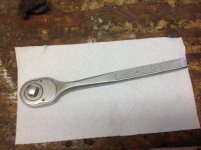
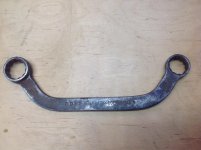
 I consider myself a pretty serious plvmb collector but my collection would not be complete without one of these!