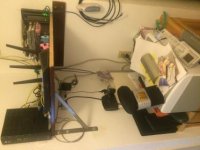
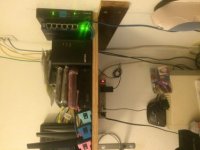
Thanks jeffmoss26. This is about the third iteration. Most things are re-purposed and ebay purchases. The wall mount rack was $75.00.
Git: the advantage to a managed or Smart Switch is traffic segmentation and priority. You can create vlans to separate the data packets and add QOS (quality of service) priority to certain network traffic. An example is the brew-pub I setup. The owner wanted to provide a free wifi for customers and still have a private admin wifi. I did this with one wifi access point and created a two vlans. One for free wifi and one for the admin traffic. The traffic is kept separate all the way through the network to the switch and then the firewall (pfsense). Then the data is routed out to printers or POS devices or the Internet. I can throttle the free traffic and have a "captive portal" (the pop-up web page you see at Starbucks for legal stuff that you have to acknowledge before you can use the Internet) setup for the free wifi. For security, you can setup VPN into your home network and keep this segmented from the video or security traffic. Many options here.
The power draw on my switch is about 20 watts I think. The 24 port one I have had no fans. The 48 port version has fans. It is "green" which means it can power down unused ports. I buy most things as a balance between performance and power draw.
Sent from using Tapatalk
My nighthawk can do all that with the exception of the captive portal.
The R7000 has guest wifi networks, VLANs, VPN(including for mobile devices- just came out eith the latest firmware), as well as USB print server, USB NAS server, remote access, customizable QOS, etc etc.
As Ive said, most home users dont need much of that- captive portal, guest network, VLANs are more needed in a commercial environment like the brewery u described.
Heres my network when i first started building it: