Sorry about the tech babble gents

Hopefully it will save a few folks wasting money on stuff that doesn’t work.
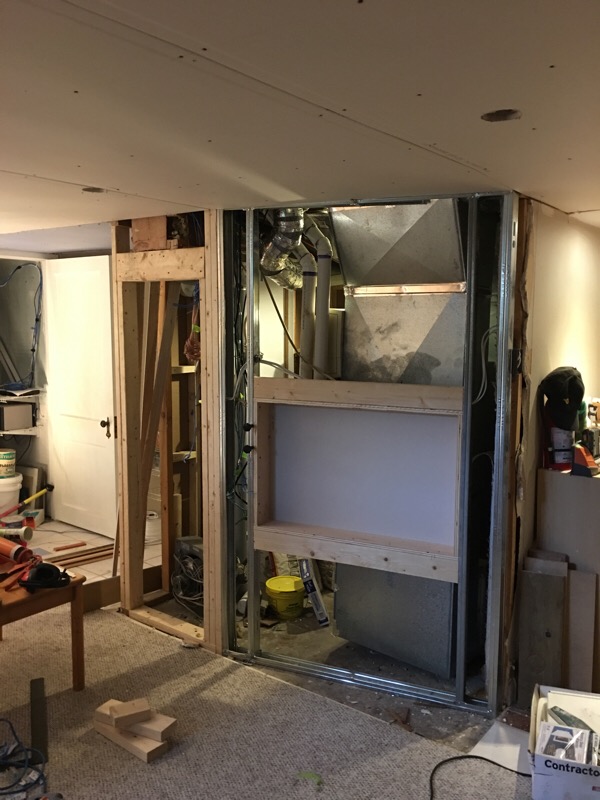
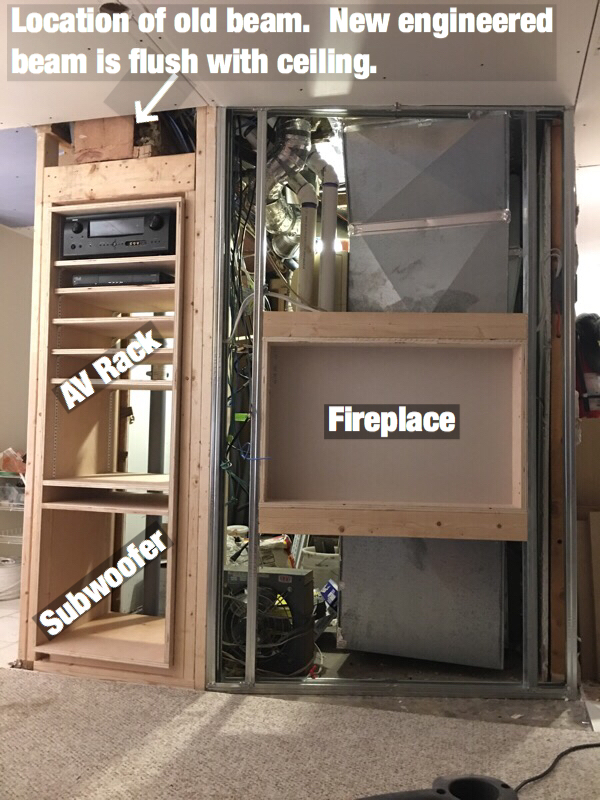
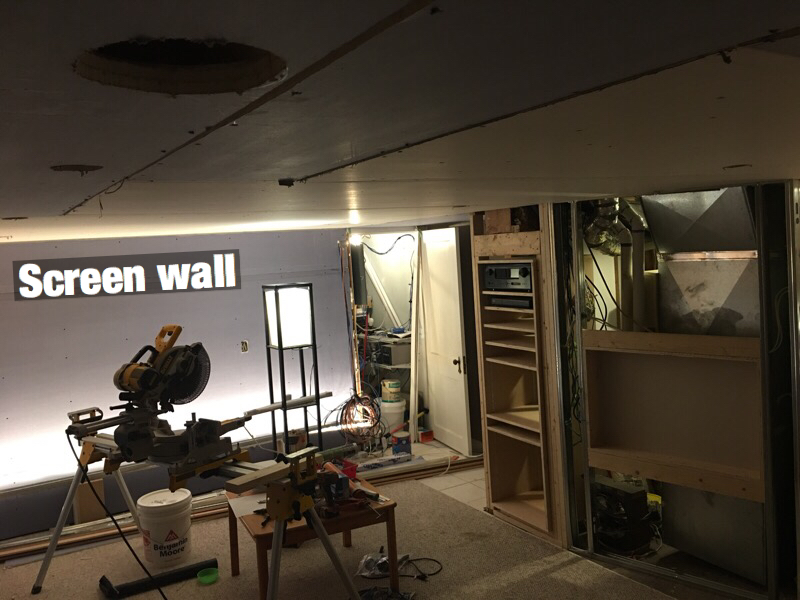
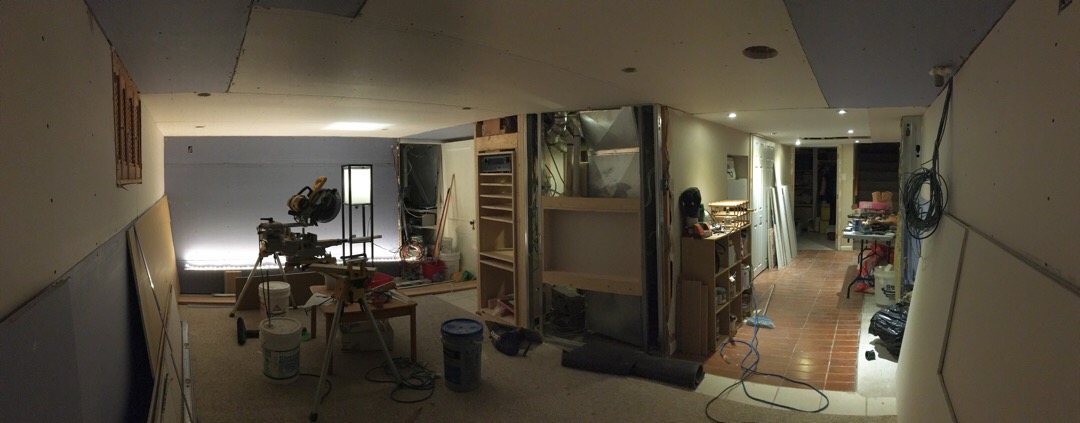
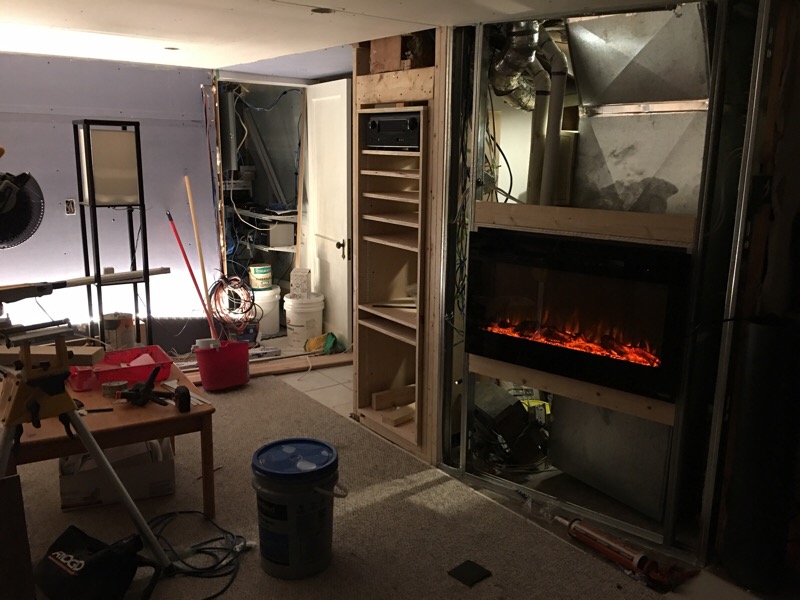
Drives, my old furnace required a make up air pipe bringing cold air into the house to satisfy the old water heater and firmace room. Updating to more efficient devices has not only allowed me to shrink the furnace room, but also seal it up for better sound (and fire!) isolation. We have four interconnected carbon monoxide/fire detectors, one of which is in the furnace room. I suspect we’ve upped the family safety factor a bit
Johnnie, Hue bulbs do not extend the SmartThings zigbee mesh, but rather create their own mesh with the Hue hub. Range is very good, so just install a few bulbs on your property and you should be fine.
Here are some devices I use and can recommend:
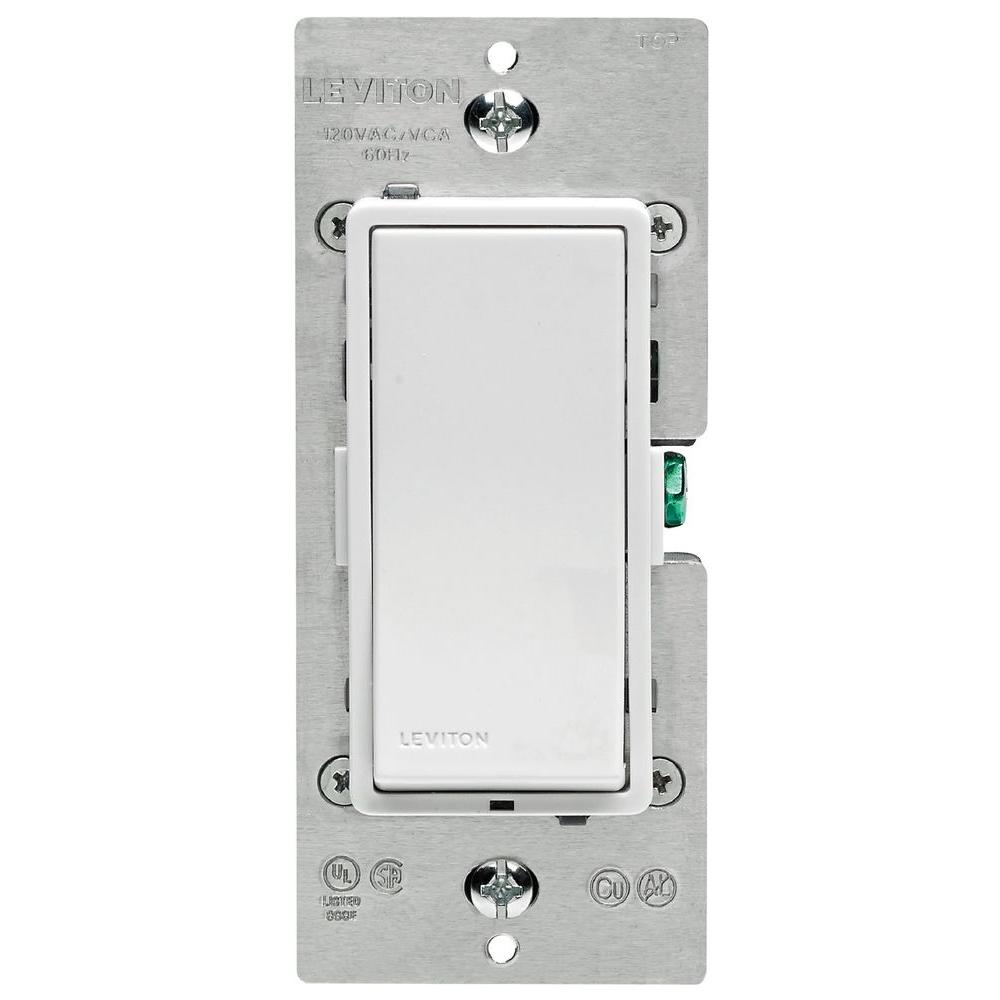
These Leviton zwave switches can replace any standard switch. They can therefore be used manually, or via SmartThings, Vera etc. I use them to manage room lights, a building fan (so I can fire it up via automation for night cooling) and the ERV ventilator at home. They are not cheap, but HD stocks them...and they work reliably. I've used them in conjunction with ST motion sensors to manage lights, as well as pure automation control (like the building fan at the office) where both manual and automated control is desired.
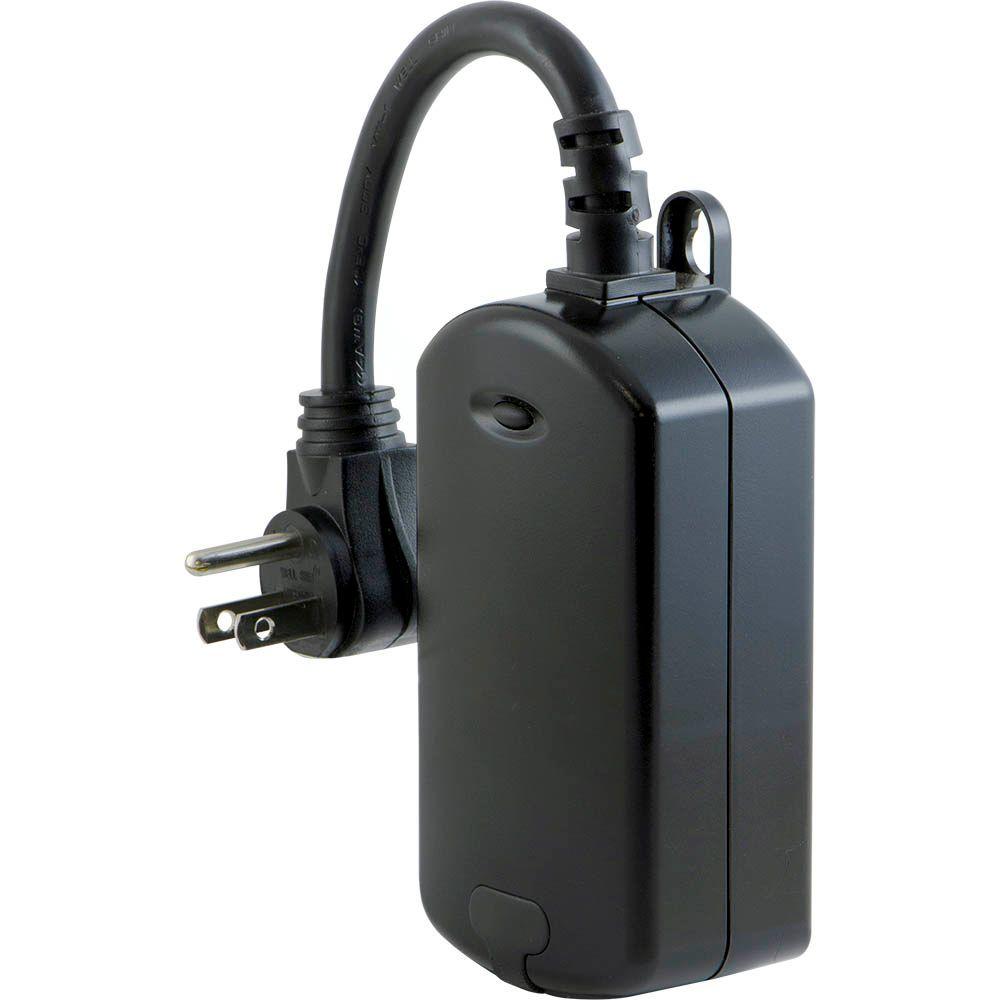
These GE outside Zwave plugs work great for lights, block heaters etc. Simple and reliable. The small black button gives you manual control. Not all Zwave smart plugs (like Leviton) have this feature which I would consider essential.
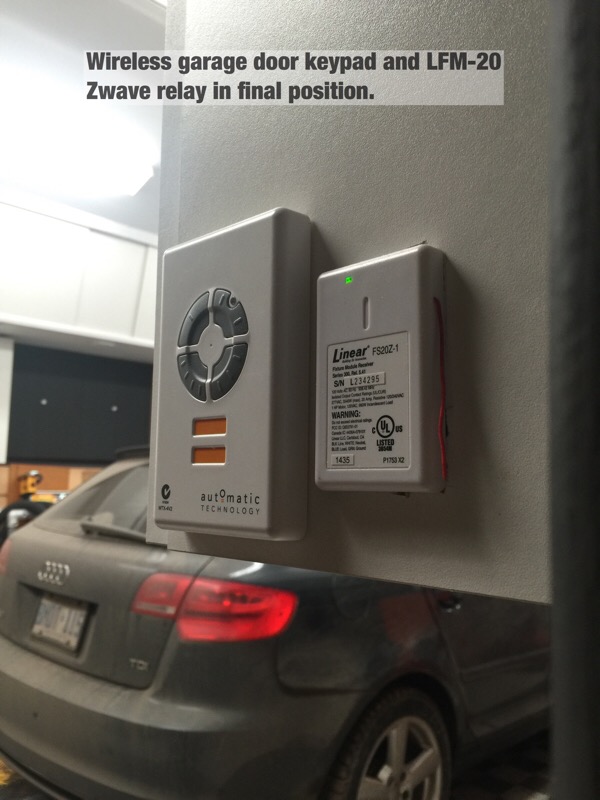
I use several of these LFM20 Zwave relays for window control, garage door control, ERV on/off, and HRV on/off. These are all applications where dry contacts, or isolated relays are required. The LFM 20 is cheap, and works well. It is however a large device and will take up a full switch width in an electrical box. Below, you can see I've used one to "hack" my garage door keypad.
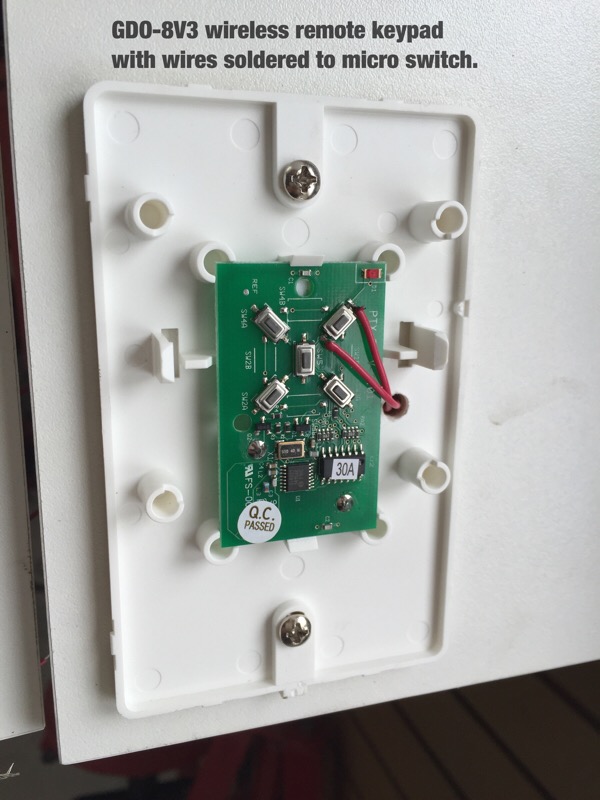
Those two red wires below (shows the the garage roll up door keypad with cover removed) are connected to the LFM20 isolated contact wires (blue), and the LFM 20 is set up in SmartThings as a momentary relay. The door goes up or down by closing those contacts. A SmartThings door sensor tells the system if the door is open, or closed. My "hack" if you will, just replicates what happens when you press the door open/close button on the wireless key pad. It was the only way I could integrate automation with the roll up door system...works like a charm.
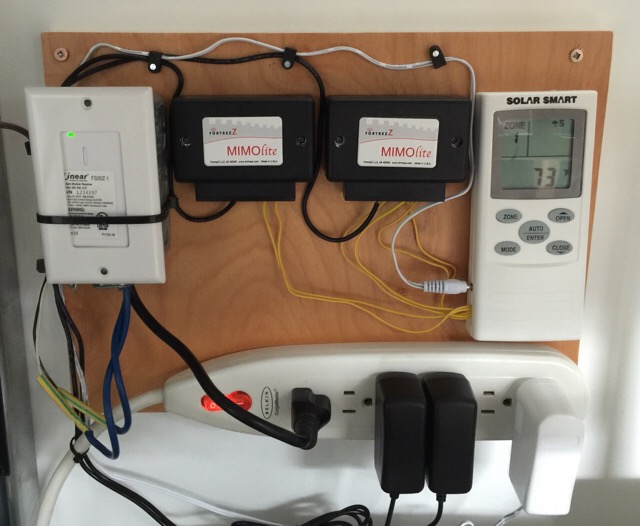
I use a few of these Fortrezz Mimolite relays to manage window open/close at the business site. They again manage simple dry contacts to open and close the windows..but have extra terminals you can use for feedback. In my case, the Mimo on the right is being used (notice the extra two wires) to indicate whether windows are open or closed. The wireless remote on the very right does the actual communicating with the Solar Smart windows. That remote has dry contacts so you can manage the windows via third party automation..a feature I had asked them for
These relays also require external 9V power..hence the power bar and wall warts below. The white LFM20 on the left is controlling our industrial Venmar HRV ventilator.
Finally, I just installed four of these Aeotec micro relays inline with ceiling sensors at the office. These are very small, so if you have deep boxes, can live behind a standard switch. They require a neutral, and can switch power to standard lights. They also have a low voltage set of terminals so you can connect a standard switch (make sure you use smaller gauge wires)! to signal the relay. I use them up in the ceiling to cut power to each bank of lights when the tenant arms the alarm system.
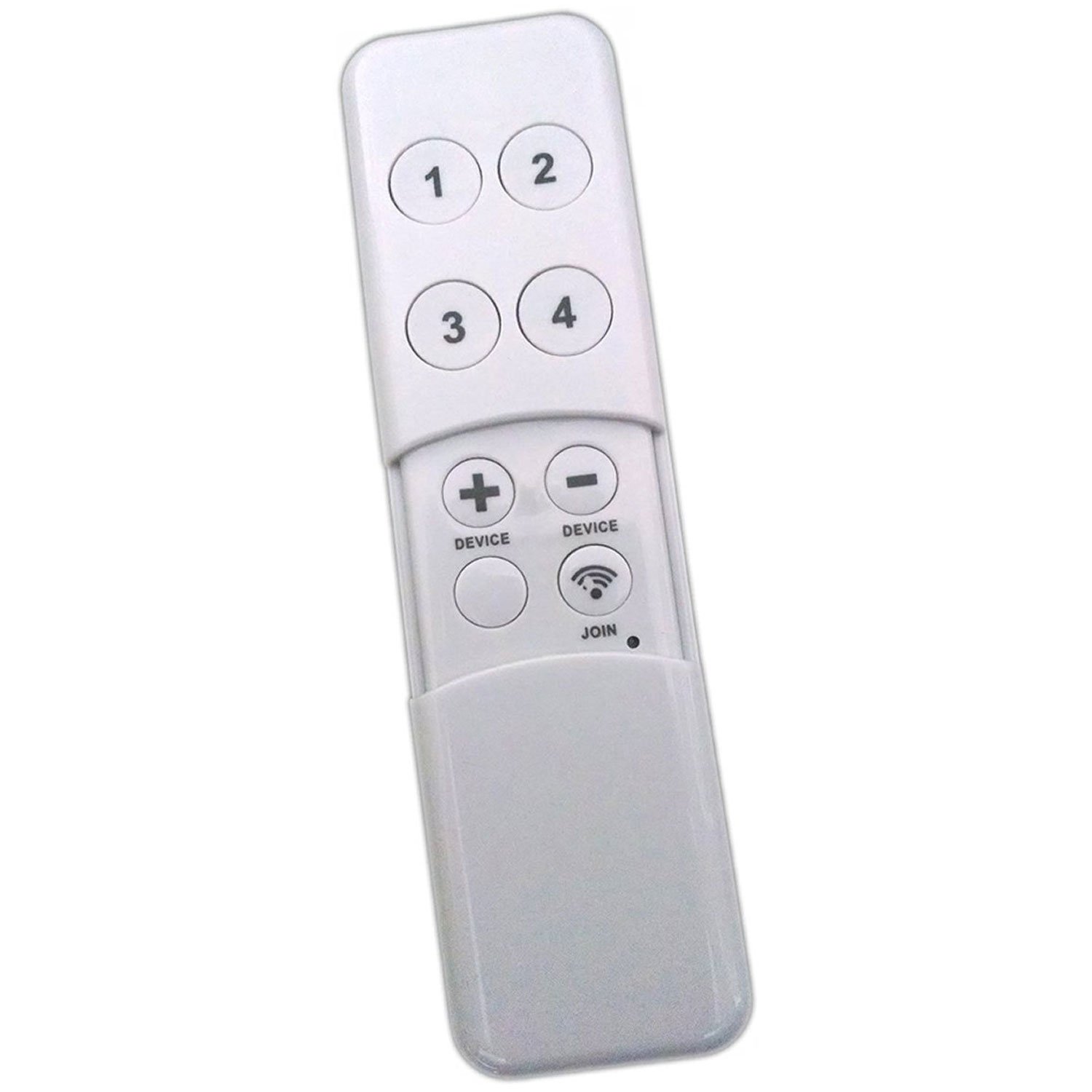
For remote switching, I've been using these minimotes which have a rechargeable (via USB) lithium battery. Four buttons actually manage eight functions as they recognize a short button press vs long press. These work well on both Vera and Smarthings.
I have a few of these at home to override light automations, run Christmas lights etc.
I also have a Minimote installed at the office so the tenants with the micro-relays can manually kill their lights, overriding the ceiling sensors. This is useful when they want the office dark for screen presentations etc. It's just mounted on the wall by their alarm console with adhesive Velcro strips.
Finally, I am starting to use the Hue switch/dimmer, but have not installed them yet..so can't comment. I'm expecting them to be 100% like every other Hue bit I've used.
These relays/switches would let you integrate just about anything with automation...and for me at least have been 100% reliable.
Conversely, these are items I
would not recommend based on a very healthy sample size:
1. SmartThings gen 1 or 2 "smart" outlets as they frequently drop off the system..all together at once and require resets. Not sure on they're latest..but one sees a pattern here...
2. Smarthings Motion sensors (require frequent resets), regardless of generation.
3. SmartThings flood sensors. They require frequent resets and drop off the system. This means that if you have the "Device Health" option off in your ST app, or fail to notice they have dropped off the system, a flood will go undetected. This is really, really stupid IMHO.
4. GE or Ecosmart (model doesn't mattter) zigbee smart bulbs. They often lose hub connection, and require a reset/rejoin. Big PITA!! Fail mode is to stay on 24/7.
5. SmartThings itself unless you have a fast and reliable web connection. Make sure you toggle "Device Health" on your SmartThings app, and check devices often!! I should mention that I've had to do zero of these reset/rejoins on devices using the Vera Edge hub at the office. So while SmartThings has a cool web interface, web IDE etc, it's hard to recommend due to the constant "Nanny" behaviour required to keep it working correctly. This is exactly what automation should not be. The Vera Hub, while not as ****, has a clunky GUI, steeper learning curve...but just works. I've called Vera tech support twice, and each time had very fast response, and 100% satisfaction.
Sorry
Drives, that was a heap of laid on tech for
Johnnie Johnnie, keep the questions coming and I'll answer as best as I can