Indy … if i wanted to buy a printer and get started ... where would i find good information?
Well I don't know where you are starting from, but I would recommend just buying one and get going.
Essentially a 3D printer is simply an XYZ gantry that holds an extruder head over a heated flat plate. The computer controls the precise relative location of the extruder in position to lay down a continuous thin layer of melted plastic on the plate - like a caulk gun. It lays a bead down, then indexes upward and lays another bead on top of that one - thousands of layers later you have a part.
That's how it works, but in reality you don't even need to know that.
I bought this printer and filament:
Creality Ender
filament
The kit literally has everything you need to put it together and run it, except it came with a small amount of filament, so buy a large roll of filament separately.
It took me about an hour to put the printer together. You have to put the vertical axes and the gantry on and route the wires. The included cartoon instructions aren't very good but they were good enough for me. I had to tighten the table and the vertical and horizontal axis rollers, and the instructions said nothing about it. They have adjusters on them, so it was pretty easy to figure out. The only other thing to do is level the table, that was a little tricky.
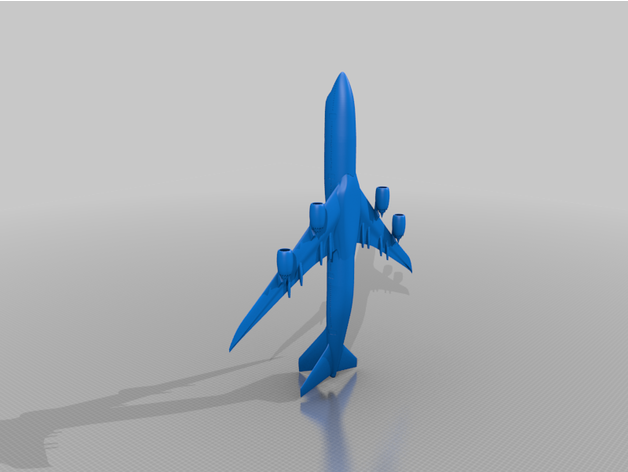
From there you install the slicer software on your computer from the included mini SD card. It's a very simple piece of software that makes the G-code that runs the machine from a 3d model file. Go to thingiverse.com and pick out something you want to make - there are millions of items. Download the 3d file, pull it into the slicer, set the parameters, save it on the SD card and then put the SD card into the printer and hit Print from media. Wait a few hours and take your part off the machine.
You will learn a few things as you go. I didn't know all the features of the slicer software at first. For example the 3d file doesn't always load into the slicer in the correct orientation, and it might not print well. (Because of the layering, the printer can't just create horizontal surfaces in mid air very well, although it does way better than you might think) You have to manually flip the part around in the slicer into the best orientation for the print. Also I didn't know anything about the temperatures to run the machine at. The default is 200 C for the extruder and 60 C for the table and that has worked fine for my prints. After a couple of tries I figured things out.
After you get comfortable making Thingiverse files, then you can get CAD software and make your own models. It will be obvious what you need to do at that point.