Tech Guy
Well-known member
I like my setup better its enclosed away from all the metal, wood and paint dust!!


Nice Setup Thunder ! Where do you keep the tower, down below ?


I like my setup better its enclosed away from all the metal, wood and paint dust!!

Nice Setup Thunder ! Where do you keep the tower, down below ?


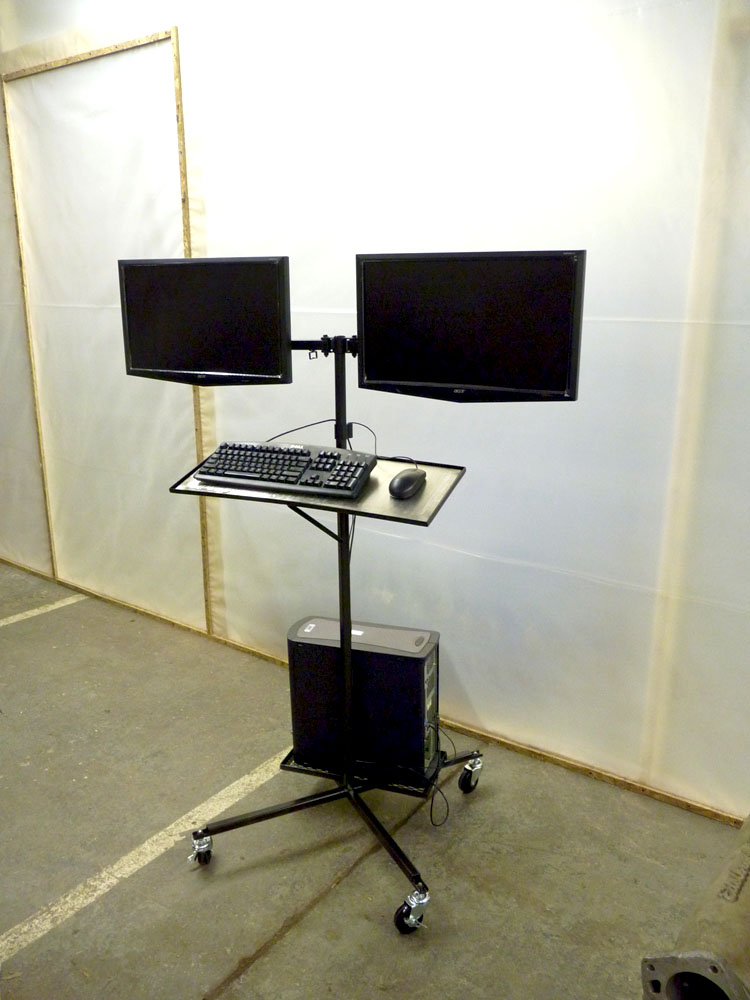
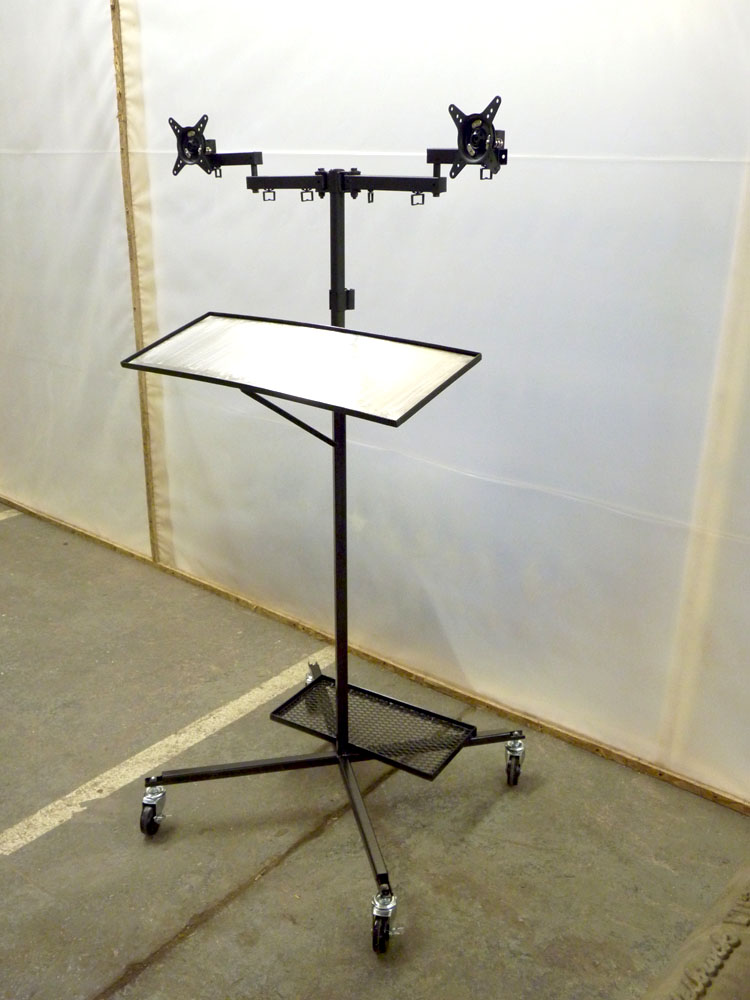
Yep, that will do for meOlder small-ish form factor PC in a cabinet with an old LCD monitor mounted on an adjustable arm. Add a wireless mouse/keyboard combo and you're done. That's a hell of a lot less money than an iPad and you never have to worry about it getting dropped/spilled on/etc. I can't stand typing on anything other than a full size keyboard so an iPad is out. I know you can get bluetooth keyboards, but where would you set the device itself?
-Brian
I use this set-up too  SFF HP Compaq with some diagnostic software.
I don't have to worry about crud in the keyboard I use one of these sealed ones http://www.tigerdirect.com/applications/SearchTools/item-details.asp?EdpNo=3119126&CatId=533.
I have it set up next to my cnc router so it gets covered in sawdust.

That's a good idea, but wont it restrict the air, cause a little more heat?
This still requires a hard drive, ram and an operating system.
And for anybody wanting to mimic AustinMiniMan's setup, I highly recommend Monoprice.com for your cabling needs. They are hands down the best place to get cabling for just about anything.


I'd prefer an iPad over that, too. And eventually, I'll finally pony up and get one instead of waiting for the next best version to come out. I like keeping things as long as possible and seeing the growth/improvement over the last few years has me in a holding pattern, for sure.
Plus, I'm too worried about my MacBook Pro inhaling some metal dust or getting greasy or worse - dropping it, to bring it into that environment.
This is still a work-in-progress, but let me explain what I'm doing for a computer in the shop...
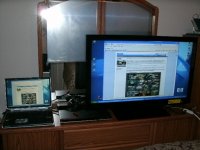
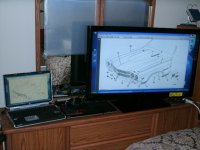
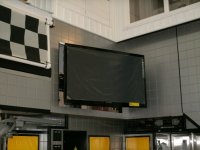
For viewing shop manuals (exploded views, schematics and such), I plan to send the video signal from my HP laptop to my newly installed big screen TV, using it as an auxilary monitor. Here are some shots of the video signal piped to the TV during my initial test session.
For protection, the laptop will reside in a protected spot and basically won't even be touched once booted up. A wireless mouse and keyboard will be used at my island workbench in a pull-out drawer. They are relatively cheap items to replace if they get messed up.
For protection of the 42" display monitor when the going gets really rough, it stores away, complete with a garage style rollup door.
The latest posts in my Asylum thread tell the whole (ongoing) installation process. I have yet to install the laptop on its articulating arm. The story really starts here: Asylum Thread Reply #1033
Here's how TV will store away: Video - New ASYLUM Shop TV System (wait about 10 seconds for something to happen)
And before you think "This guy is crazy", consider the name of shop I work in!